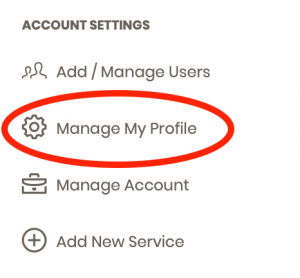
Step 1:
Along the left navigation column, choose the Manage My Profile link under the Account Settings section.
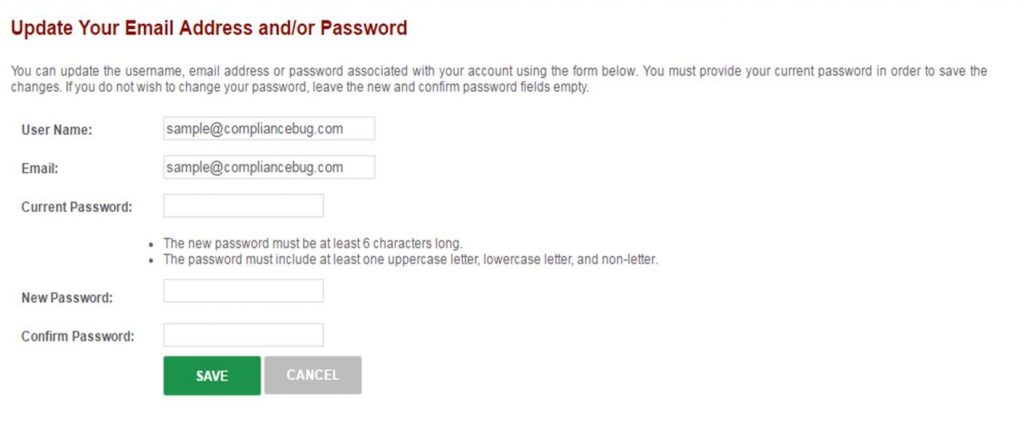
Step 2:
Within the section titled Update Your Email Address and/or Password, enter in your new password following the system requirements as described (e.g., minimum number characters, upper/lower case, etc.).