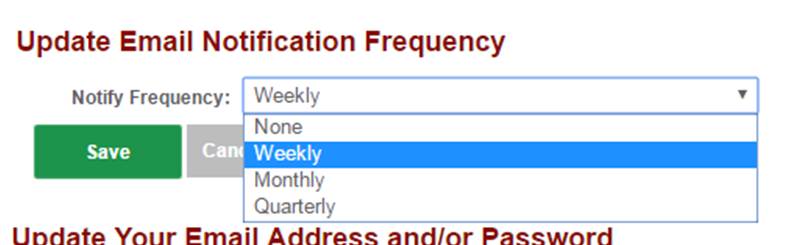
By default, users are setup to receive Weekly system notifications from the ComplianceBug system. Users can choose to change how often this automatic notifications are sent to either Weekly, Monthly or Quarterly.
While not recommended, you can turn off system generated notifications using the NONE option.
To change how often you receive automatic notices:
Step 1:
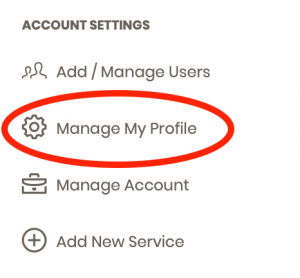
Along the left navigation column, choose the Manage My Profile link under the Account Settings section.
Step 2:
Within the section titled Update Email Notification Frequency, change your preference using the dropdown options shown.